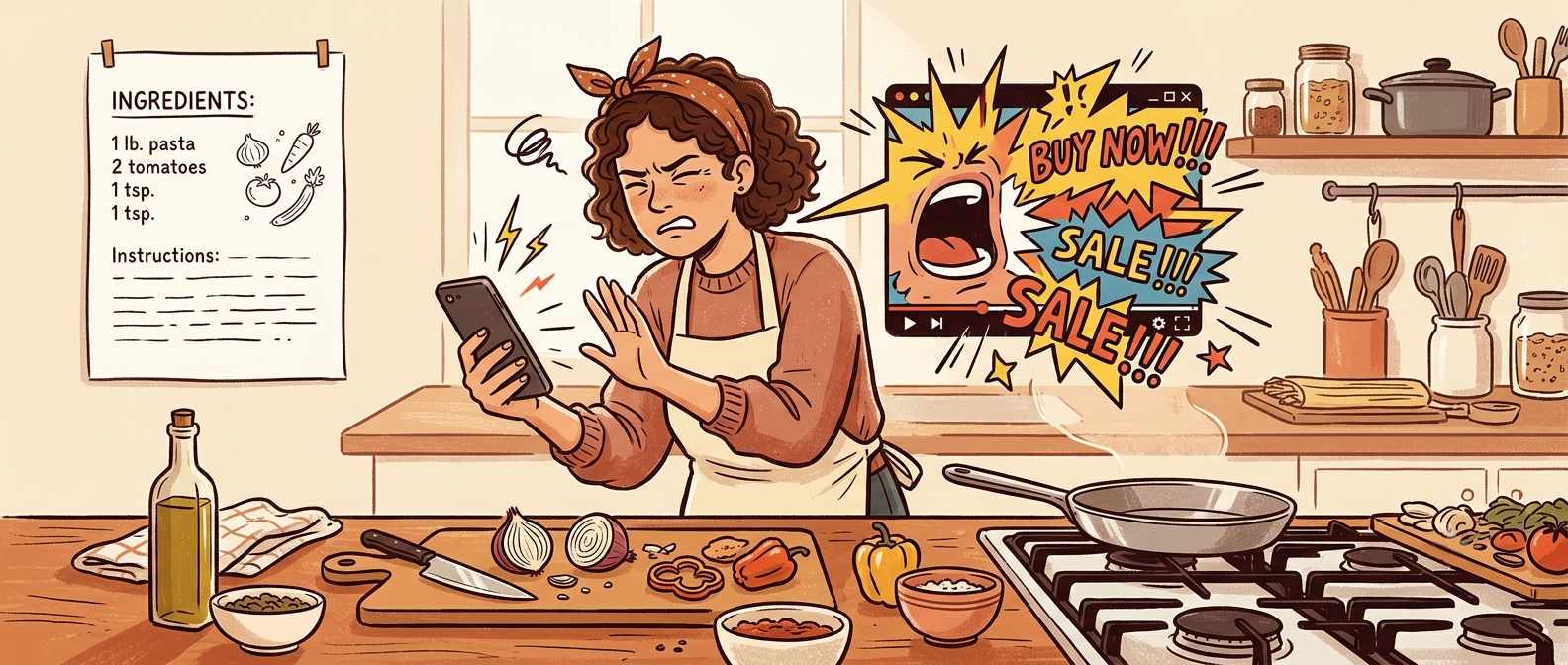
Why do recipe sites have autoplay video?
You open a recipe. Before you have read the first ingredient, something starts playing in the corner — often with sound, often impossible to find the mute button for. Scroll down and it follows you. This is not a design oversight. It is the highest-paying ad slot on the page, and it is there because it earns more money than anything else the site can run.
Video ad CPM is significantly higher than static display CPM. An autoplay unit in the corner of a recipe page can earn several times more per thousand views than a banner at the same position. Every site funded by advertising has a direct financial reason to add it and no financial reason to remove it.
How the video model works
Video CPM vs. display CPM: advertisers pay more to reach someone with moving video than with a static image. The gap is large enough that a single video unit can outperform several banners. Recipe pages are prime inventory — grocery, kitchen, and food brands pay a premium to reach people who are actively thinking about cooking.
The sticky player: the video does not stay where it loaded. It follows you down the page as a floating window so it remains “in view” for the entire visit. In-view impressions are worth more than impressions that scroll past. Keeping the video in your viewport is the point, not a glitch.
Autoplay because asking does not pay: a video that waits for the reader to click play earns far less than one that starts on its own. Autoplay without user interaction is against some browser policies, which is why many sites now autoplay on mute — technically compliant, still earning the impression, still in your corner.
The video is the most profitable ad on the page. It is not there because anyone thinks it improves the recipe experience. It is there because removing it would cost the site real money.
Why it keeps getting worse
- Ad networks push it: the large ad networks that power most recipe site revenue actively incentivise publishers to add video by offering better fill rates and higher effective CPMs when video is enabled.
- More sites, same buyers: as recipe content proliferated, CPM rates for static display dropped. Video held its value. Sites that wanted to maintain revenue shifted their mix toward video to compensate.
- Consolidation normalised it: when independent blogs joined large ad networks or were acquired by media companies, video was typically turned on as part of the standard configuration. What one owner chose became what hundreds of sites inherited.
- Nobody leaves over it: readers are frustrated but mostly stay. As long as traffic holds, the calculus does not change.
What you can do
Ad blocker on desktop: uBlock Origin blocks most autoplay video units before they load. On desktop with a browser that allows extensions, this removes the problem at the source rather than working around it.
Reader mode: Safari and Firefox have reader modes that strip everything except the article text, including video players. The formatting degrades, but the recipe is readable without the noise. On mobile Safari, tap the reader icon in the address bar.
The permanent fix is using a site with no video ad model to begin with. NoAdsCooking has no autoplay video because there is no ad revenue that makes it worth running. Nothing loads in the corner.
No video. Just the recipe.
NoAdsCooking doesn’t run autoplay video — or any video ads. Nothing follows you down the page.
Browse recipes, no ads