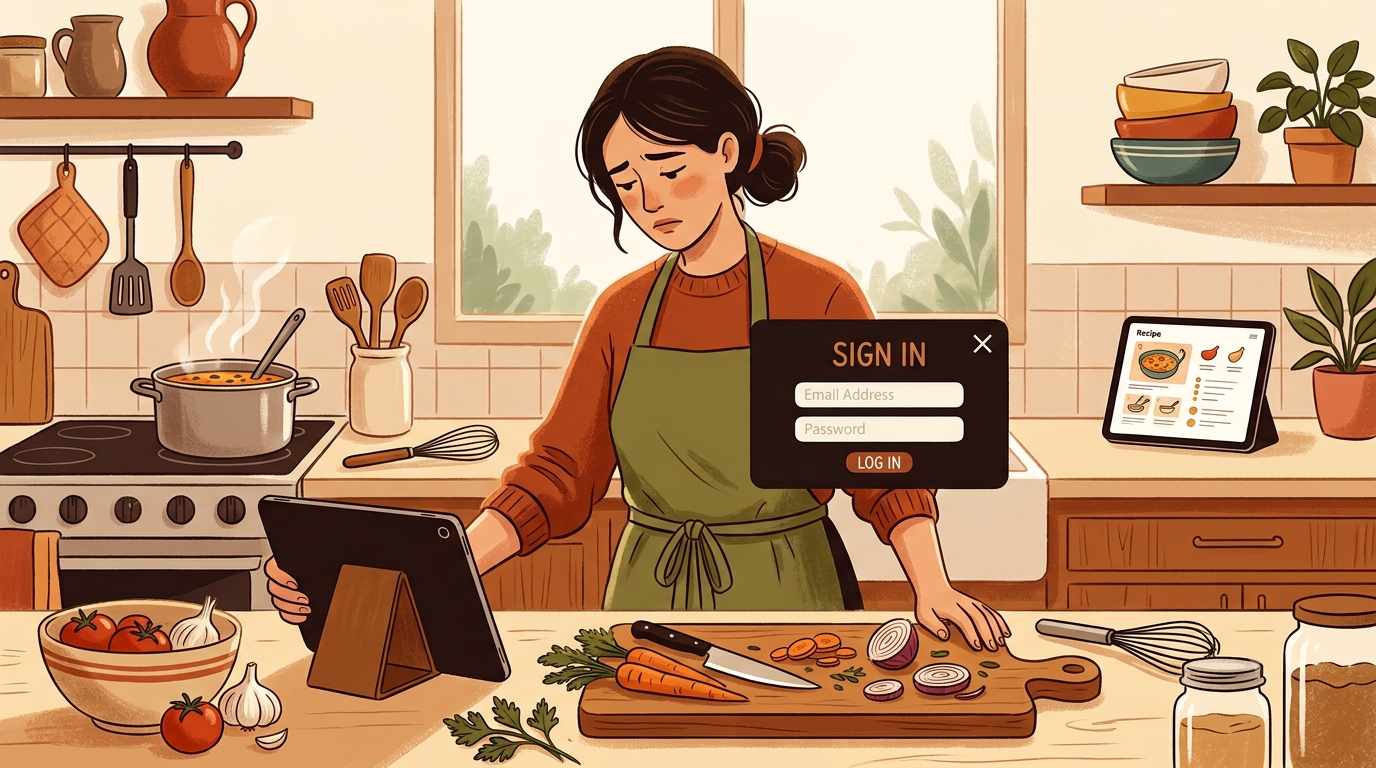
Why do recipe sites always ask for your email?
You tap a recipe link. The page starts to load. Then a modal slides in — sometimes immediately, sometimes after a few seconds — asking for your email address. Sometimes it blocks the recipe entirely until you dismiss it. Sometimes it comes back on the next visit. The recipe is still there, technically, but you have to get past the ask first.
An email list is owned audience — traffic that does not depend on search rankings, social algorithms, or referrals from other sites. When Google updates its algorithm or social platforms reduce organic reach, a site with a large email list keeps its readers. Even a 1–2% conversion rate on visitors is considered a reasonable return, which means the modal is worth running even though most people find it annoying and close it immediately.
How the email capture model works
Owned vs. rented audience: search traffic and social followers are rented. The platform can reduce the reach any time — and regularly does. An email list is owned: the site can send directly to subscribers without depending on any intermediary. For a publisher that earns CPM revenue from returning visitors, list subscribers are structurally more valuable per person than one-time search arrivals.
The math works at low conversion: if a recipe site gets a million monthly page views and converts 1.5% of new visitors to subscribers, that is fifteen thousand email addresses per month. Each subscriber who returns once a month via an email is worth more to the ad model than a one-time search visitor. The 98.5% who were annoyed and closed the modal are not tracked as a cost.
Exit intent and scroll triggers: not all email prompts are immediate. Some fire when the reader’s cursor moves toward the browser bar — interpreted as an intent to leave. Others trigger after a percentage of the page has been scrolled, on the theory that someone who has read that far is more likely to subscribe. The timing varies but the logic is the same: intercept when engagement is highest.
The modal is optimised for the minority who sign up, not the majority who dismiss it. The friction cost to everyone else does not appear in the metric that determines whether it stays.
Why it keeps getting worse
- Algorithm dependency grew: as sites became more reliant on search and social for traffic, the value of owning an audience outside those channels increased. Email capture became a hedge against the next ranking update, which made it a standard rather than an optional strategy.
- Email service providers made it easy: tools like Mailchimp, ConvertKit, and similar platforms include modal builders as a standard feature, with pre-built templates and A/B testing tools. The barrier to adding a pop-up is now very low, which means nearly everyone does it.
- The friction arms race: as readers became better at dismissing modals quickly, some sites made them harder to dismiss — smaller close buttons, delays before the X appears, or multiple-step forms that require a deliberate “No thanks, I don’t want free recipes” click to exit. Each escalation is a response to declining conversion rates.
- It competes with the ad model: sites that run both ads and email capture are essentially charging the reader twice — once in attention for the ads, once in interruption for the modal. Neither is optional from the site’s perspective.
What you can do
Dismiss immediately and move on: for sites where the close button is accessible, closing the modal and scrolling past any banner is the fastest path to the recipe. Most email prompts fire once per session — dismissing it usually clears it until your next visit.
Use a browser extension: extensions like uBlock Origin block many email capture scripts before they load, which prevents the modal from appearing at all. On desktop with a supported browser, this removes the interruption rather than just dismissing it.
Sites that do not have an email-growth objective do not need to run the modal. NoAdsCooking does not ask for your email address — there is no list to grow, no conversion rate to optimise, and nothing between you and the recipe when the page loads.
No modal. No ask. Just the recipe.
NoAdsCooking doesn’t collect email addresses or run capture prompts. The page opens and the recipe is there.
Browse recipes, no ads